
Installation & Authentication
Authentication
The Vouch MCP server uses Server-Sent Events (SSE) transport and requires no local installation - connect directly using your authenticated MCP URL. Your unique URL contains your workspace identifier and is tied to your authenticated user session, so no additional credentials are required.
Security Notice
Your MCP URL contains sensitive authentication information. Do not share it publicly or commit it to version control. Treat it like an API key.
Obtaining Your MCP URL
- Log in to your Vouch account at app.vouchfor.com
- Navigate to Account → Organization Settings → Integrations
- Select the Vouch MCP Server application from the Integrations listing
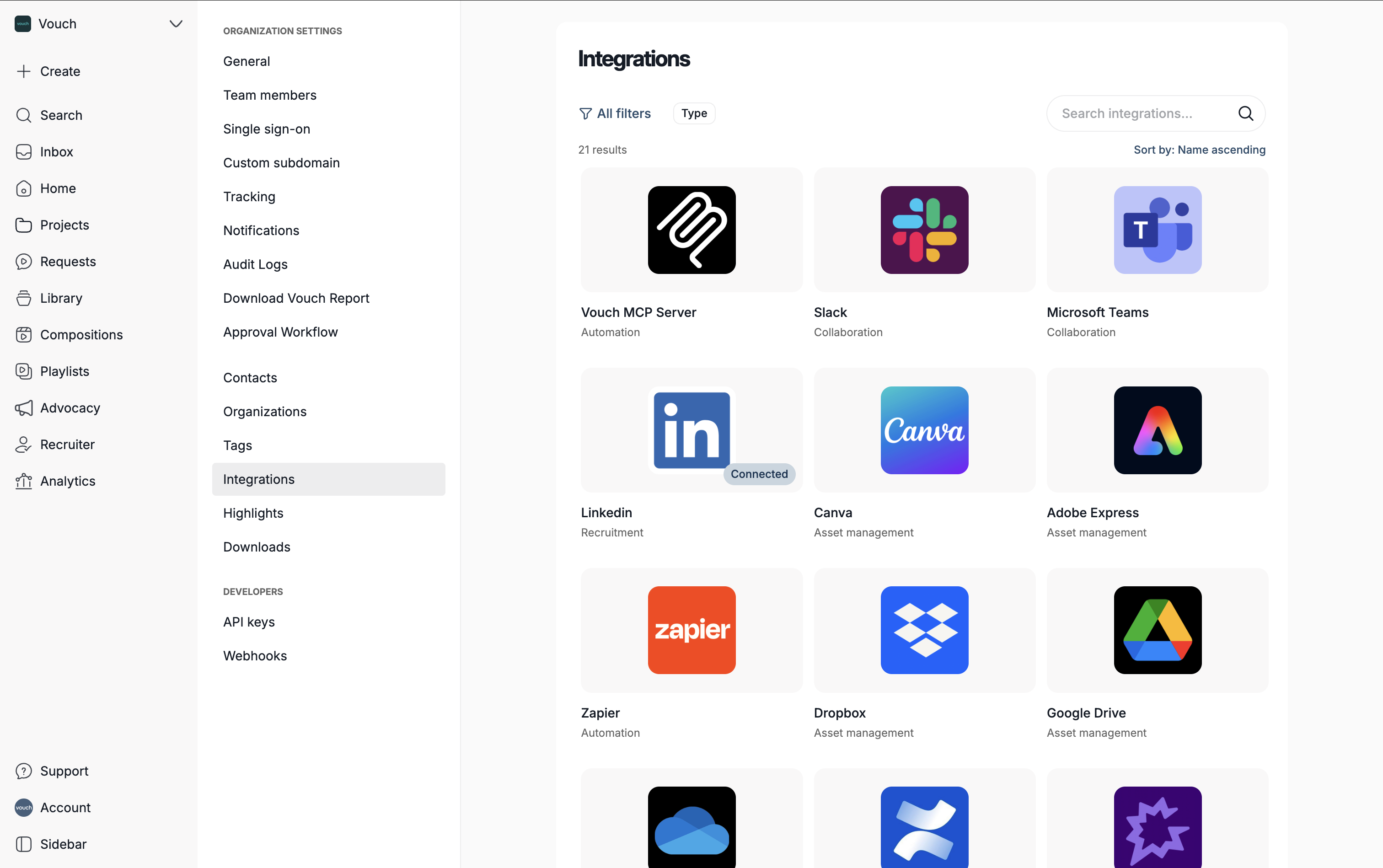
- Click on Connect Vouch MCP Server to generate your MCP URL
- Copy your unique MCP server URL
Permissions
The MCP server inherits permissions from the authenticated user. Actions available depend on your role within the Vouch workspace.
Installation
Claude
- Navigate to Organization Settings → Connectors
- Click Add custom connector
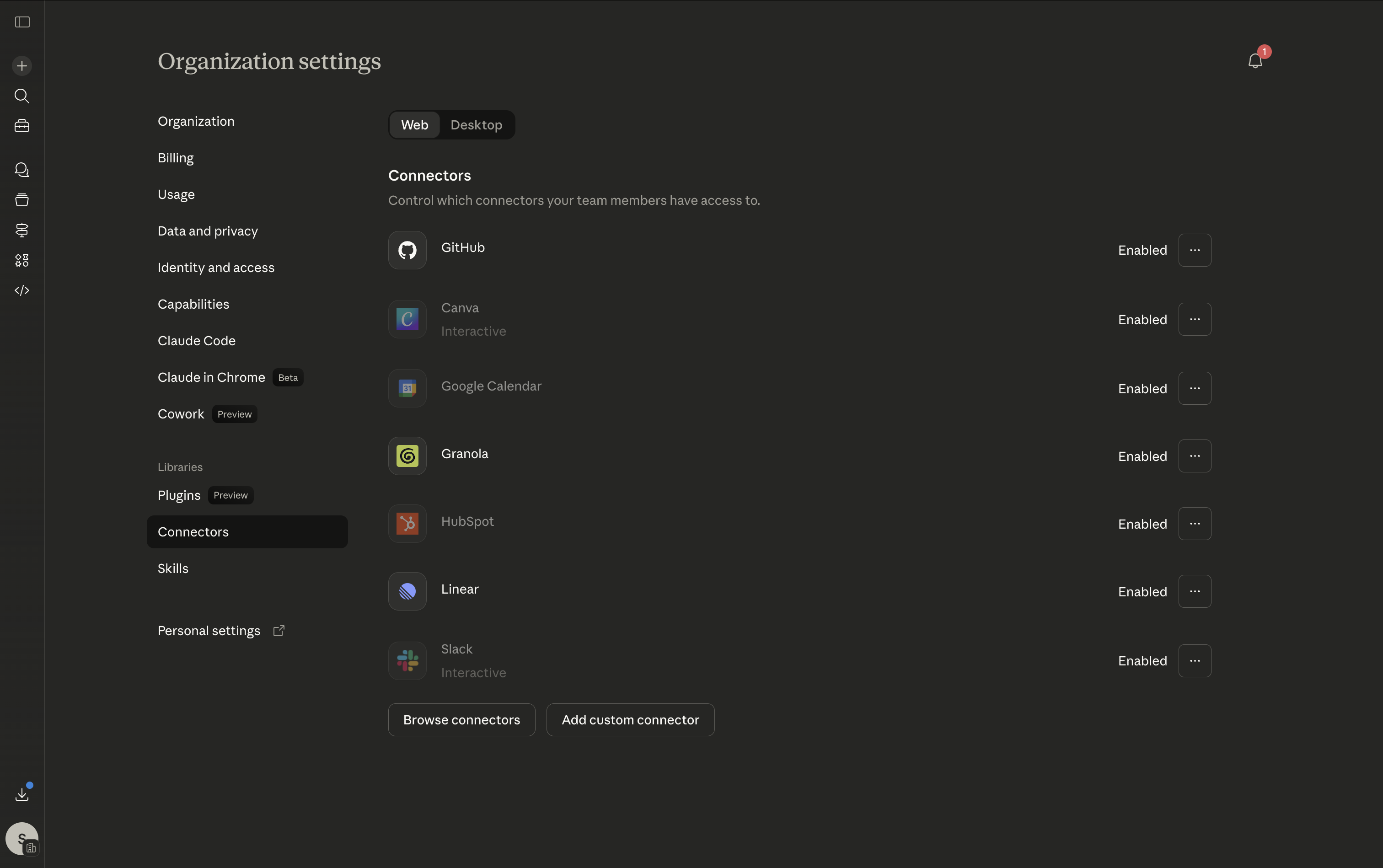
- Add the Vouch MCP server URL to the Remote MCP server URL field and name your connector.
- Click Add to save and enable on your account.
ChatGPT
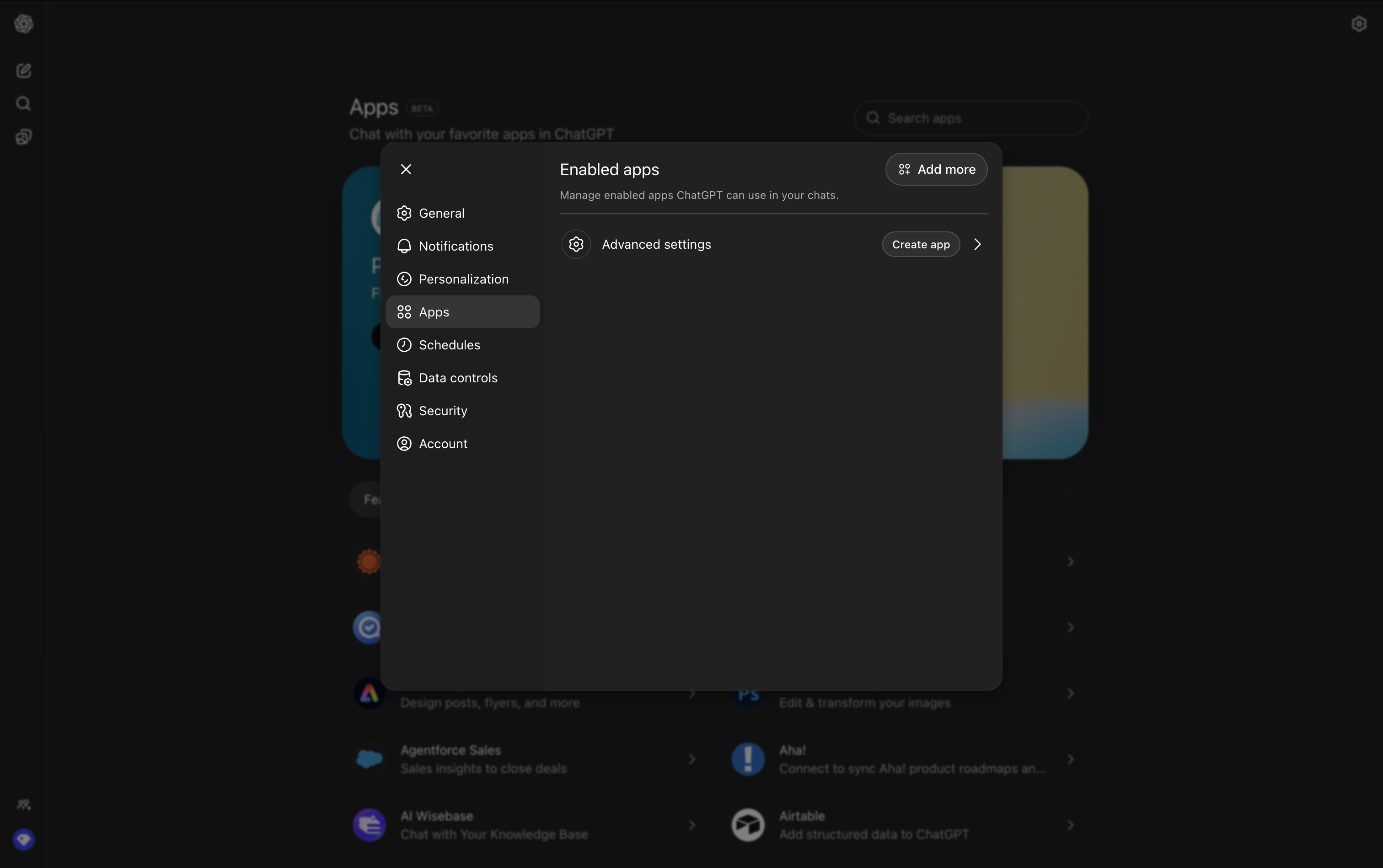
- Navigate to Settings → Apps
- Click Create App
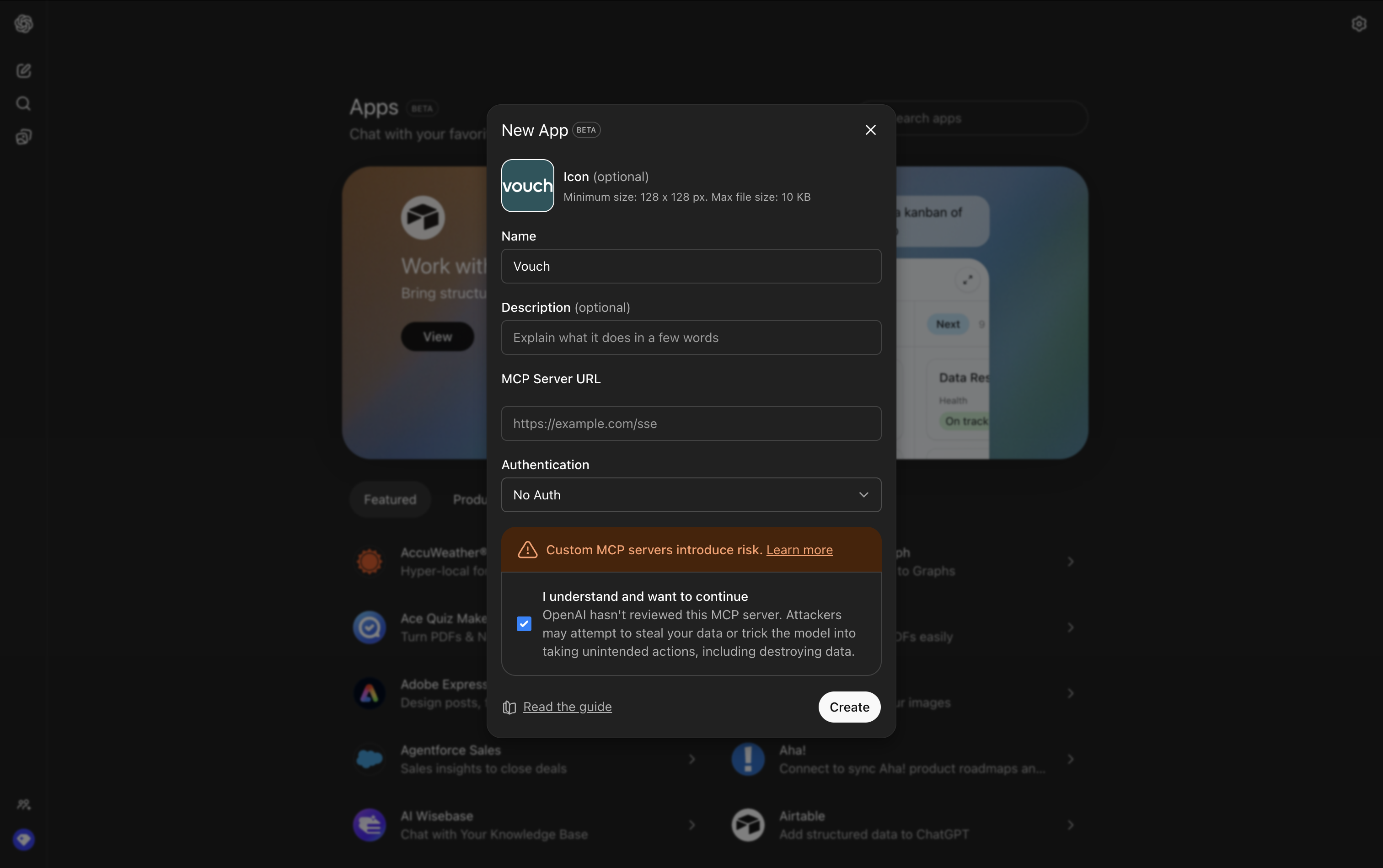
- Add the Vouch MCP server URL to the MCP server URL field and name your connector.
- Change the Authentication to No Auth.
- Click Create to save and enable on your account.
Updated 7 months ago
What’s Next
Did this page help you?